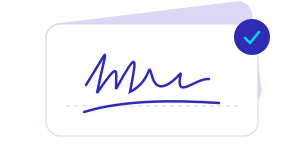
Make a signature that’s yours
Draw it, type it with a handwriting font, or capture a signature from paper.
 Inkrive
YOUR SIGNATURE. YOUR DOCUMENT.SIGN A PDF IN YOUR BROWSER
Create a signature, place it on your document,
and save your signed PDF. All in your browser.Create your signature, place it,
and save your signed document.


No account needed to begin.
Get the iPhone app instead →A simple toolkit, from your first stroke to your finished PDF.
Draw it, type it with a handwriting font, or capture a signature from paper.
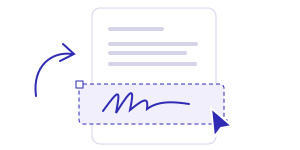
Place and resize your signature on the right page of your PDF.

Export a signed PDF. In the iPhone app, keep multiple signatures ready to reuse.
MADE FOR YOUR IPHONE
Create it once. Bring in your document. Pick up where you left off.
Draw with your finger, type your name in eight handwriting fonts, or capture a signature from paper. Adjust the ink color, crop the image, and clean up its background.
Save a transparent PNG. Re-edit your signature whenever you need.
Open a PDF, choose JPEG, PNG or HEIC photos, or scan paper with your iPhone camera. Arrange and rotate photo pages, then choose A4 or Letter.
Supports standard PDFs up to 50 pages and 25 MB. Export Word or Excel files to PDF first.
Move, resize, rotate and duplicate your signature across document pages. Undo a change or return to a saved draft. Preview the finished PDF before saving or sharing.
Every current iPhone feature is free. Your original document stays unchanged.
 Signed. Ready to share.
Make signatures, prepare documents, and export signed PDFs without an account or payment.
Free
Create, sign, save, and share PDFs with every current feature included.
Get Inkrive on iPhoneNo account or payment required.Questions, feedback, or help with a document?Questions, feedback, or help?